The stuff you saved and never found again — videos, articles, recipes — in one place you can actually search. No account. No ads.


Built for people who collect more links than they can read. Designed to be private, calm, and yours.
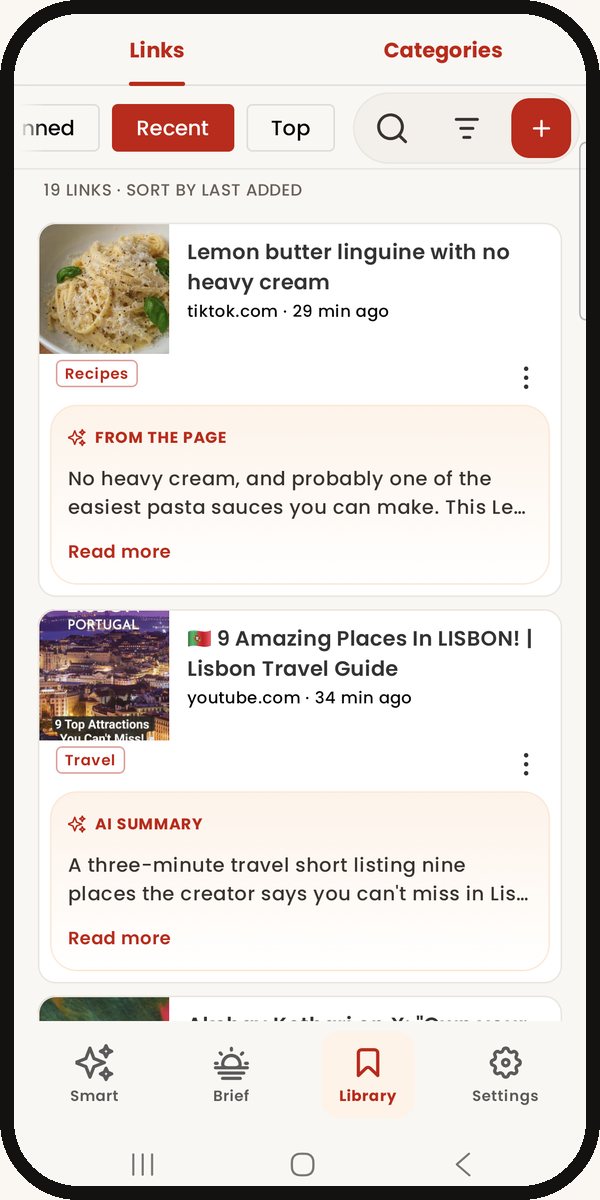
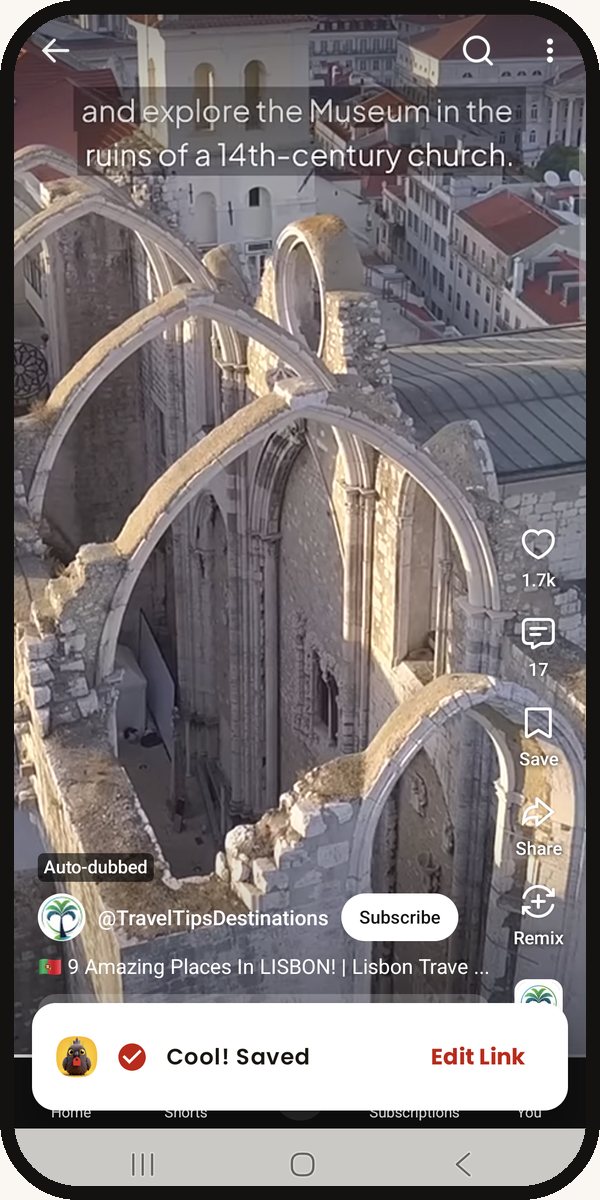
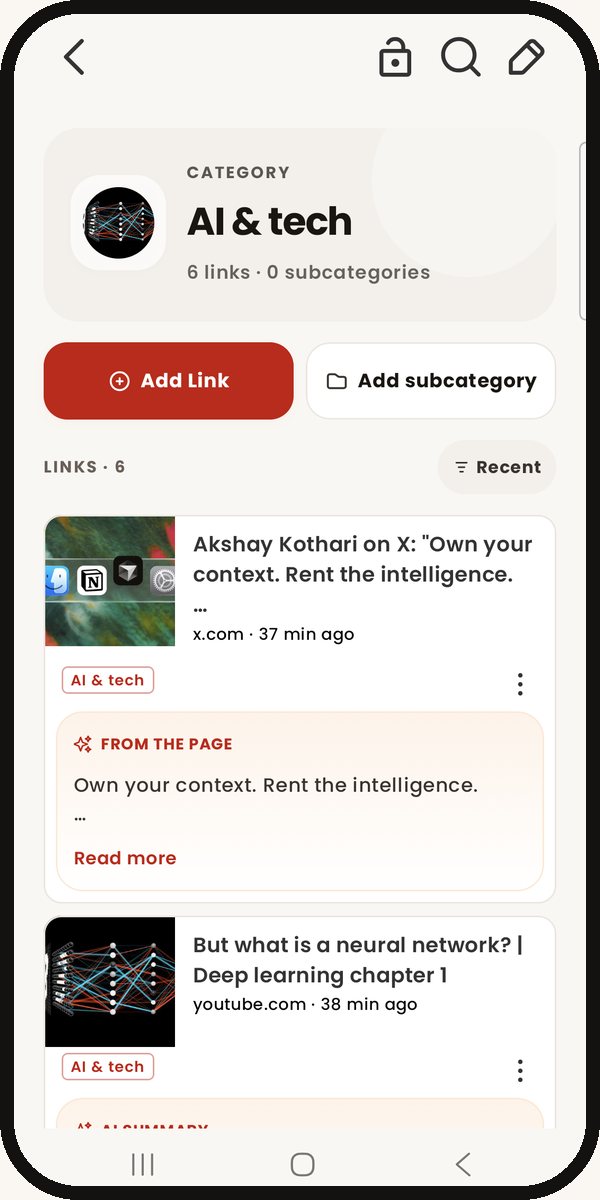
Share from any app — browser, YouTube, X — and Linki captures the title, preview, and metadata automatically.
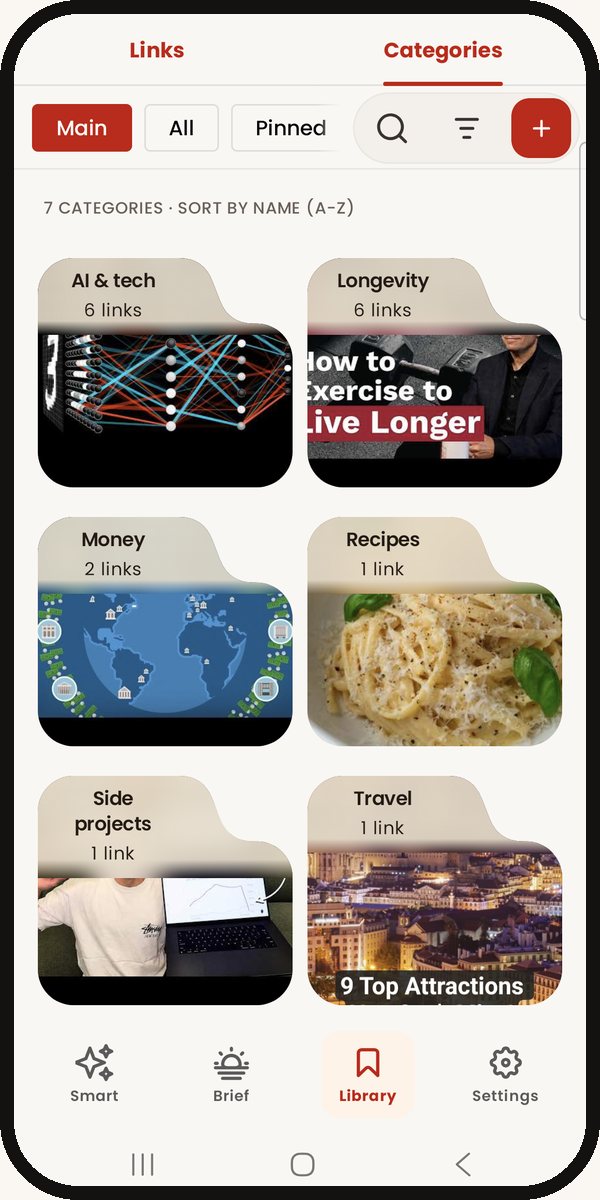
Build a structure that fits your brain. Customize each category with an emoji, photo, or AI-generated cover.
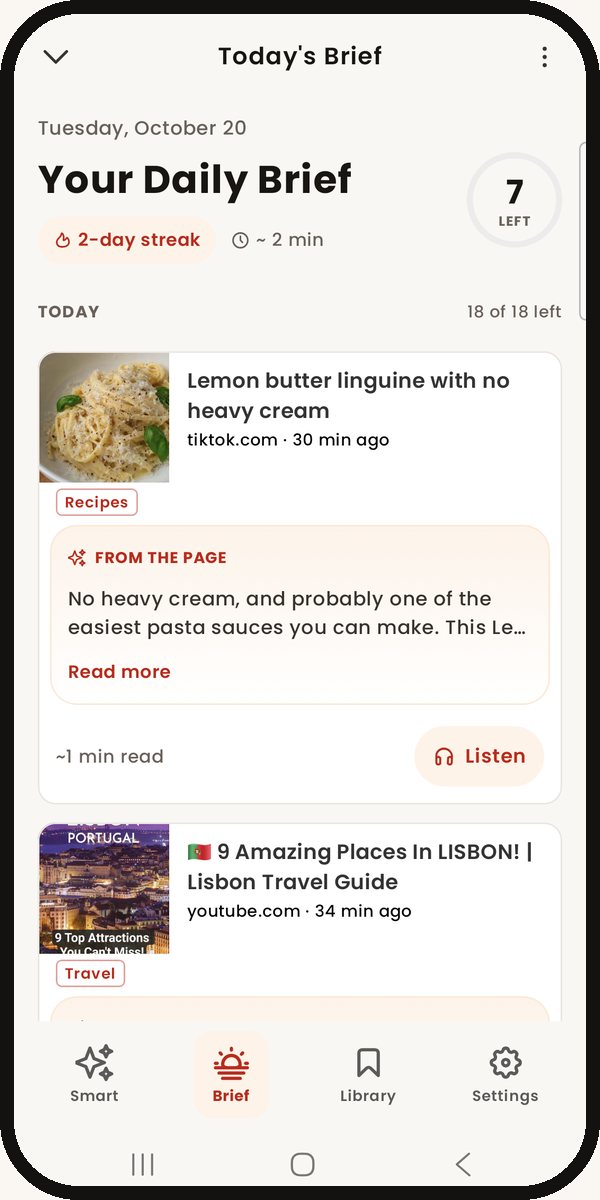
Save a link and let Linki write the summary, suggest tags, and pick the right category. 25 free analyses a month, up to 5 a day.
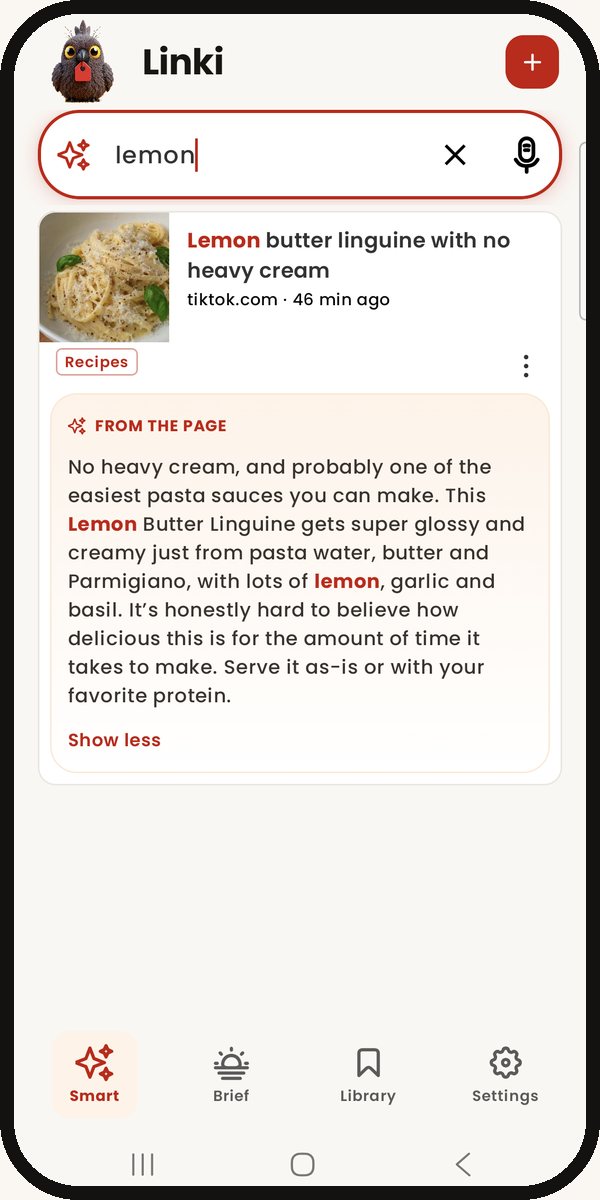
Find by title, tag, importance — or just describe what you remember. Linki surfaces the right link in seconds.
No login required. Bookmarks live on your device. Optional sync uses your account purely for backup, never advertising.
Move between iPhone, iPad and Android. Import browser HTML bookmarks. Export anytime — your data is yours.
Pick an emoji, a photo, a color, or let Linki auto-pick a cover from your first link. Your library should feel like yours — not a spreadsheet.
Every screen is designed to disappear once you’re saving. Save fast, find faster, customize anywhere in between.
I had bookmarks scattered across five apps. Linki pulled them all in and now everything is one tap away. The categories with photos make it actually pleasant to browse.
No ads, no account required, just works. The share extension is gold — I save things straight from Twitter or YouTube without thinking.
Love that I don’t need to log in. The new mascot is so cute too. Used my free AI summaries on a few articles — surprisingly helpful for sorting.
I keep recipes, work resources, and reading lists all separated. The visual previews are great when scanning quickly.
Pro subscription is the cheapest I’ve seen for cross-device sync. Works perfectly between my iPhone and iPad.
I open Linki more than any other productivity app on my phone. The team listens to feedback too — fixes ship fast.
Free on iOS and Android. Add backup for up to 3,000 links — one payment, no subscription.